How to Test a Message
Testing your messages is a very important process in quality assurance. We recommend thoroughly testing every message that you set up. Below are the steps necessary to send out test messages.
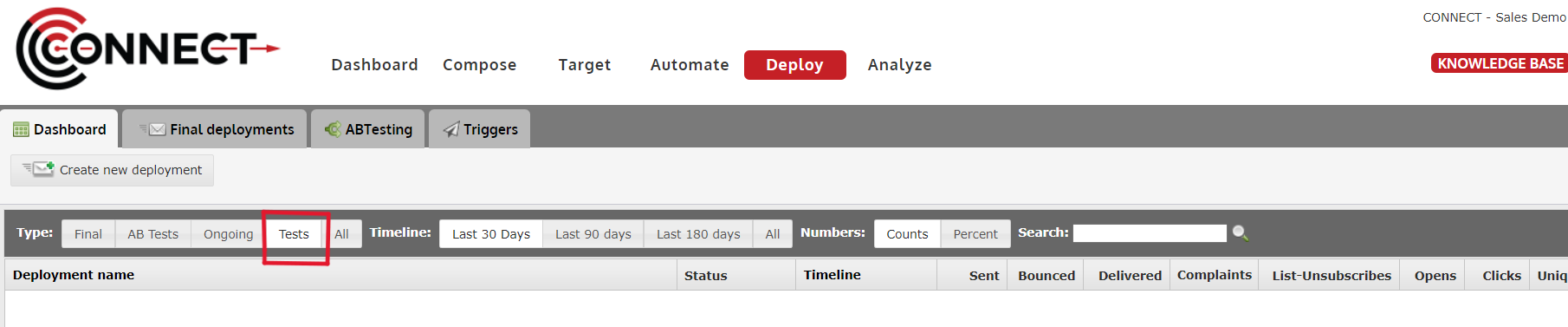
1. Click on the "Test" step

2. If required, select your Stakeholders

- Note: Do not have any Stakeholders set up? Click Here.
3. If required, select your Test Accounts

- Note: Do not have any Test Accounts set up? Click Here.
4. If required, select contacts for Dynamic Testing

- Click "Select Contacts"
5. OPTIONAL: Type in a Prefix for the Subject Line to Track Versions

- This option allows you to save a value in the Test step so that if you make changes later, you can change the version and that version will appear in the subject line.
- Example: Test - V1 - Subject line goes here
6. OPTIONAL: Select Creative Type to Send

- Tips:
- Email clients such as Microsoft Outlook, make it very difficult for email marketers to preview the text version when they are testing their email.
- By sending yourself just the Text Version, it now becomes easy. Subject prefix for testing: This field allows you to place a value in your subject line for testing purposes.
- For example, if I place "Version1" in this field, my subject line will look like "Test - Version 1 - Subject line text goes here".
- This comes in handy when you are working with similar looking messages.
7. Click Either "Send" or "Send 250ok Test Deployment"

- Send Test - the "Send" button will send a copy of the current message to the user's email address.
- 250ok - the "Send 250ok Test Deployment" button will verify if email addresses are legitimate.
- Note: If you selected contacts for dynamic testing, the tool will notify you of how many emails will be sent to the selected Stakeholders, Test accounts and yourself.
8. OPTIONAL: Viewing the Results of your Tests