How to Use Segments for Exporting Records
Segmentation in CONNECT provides the ability to create any slice of data you wish using the data you have provided.
Sometimes you might want to export this data for external reasons or to manipulate the data and re upload that group of people back into the tool. Below are instructions on how to do this.
1. Set up your Segment with the Criteria you need to Export Records
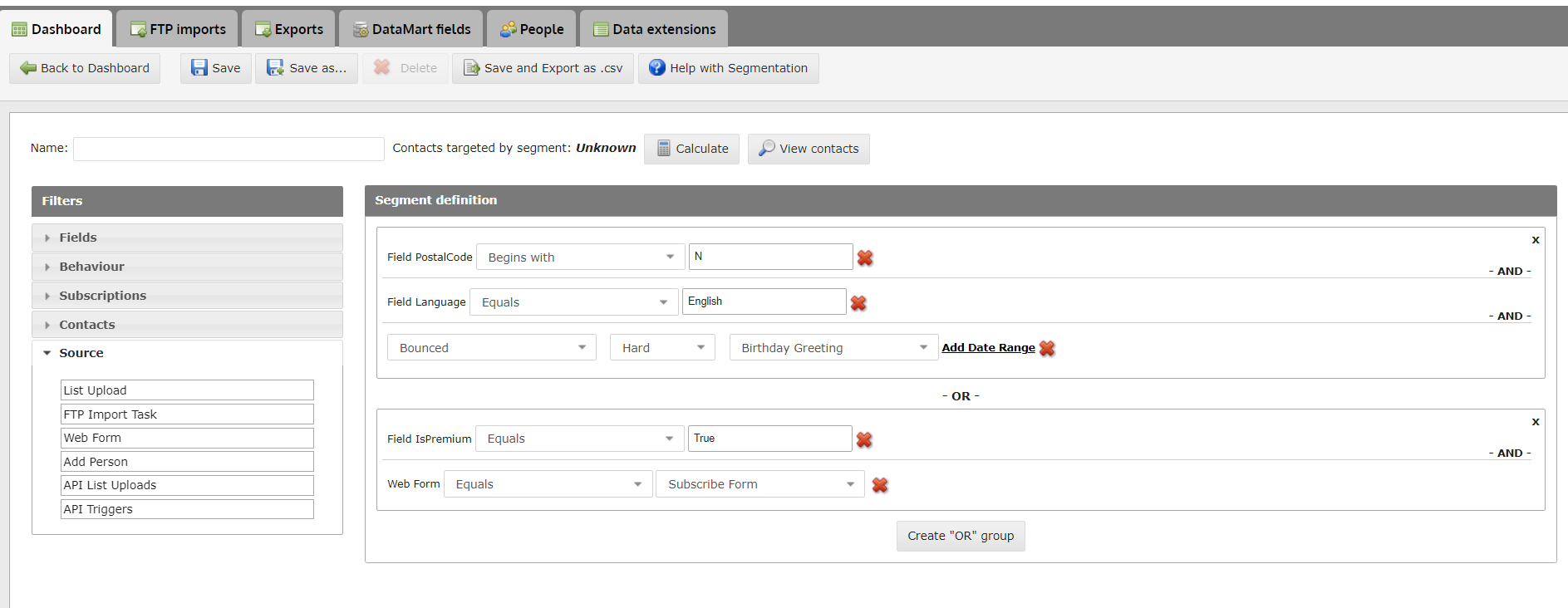
- If you are unsure on how to use segmentation, click here.
- Tip: You can use segmentation to export a specific list you have already uploaded, by dragging over "List Upload" under the "Source" drop down on the left.
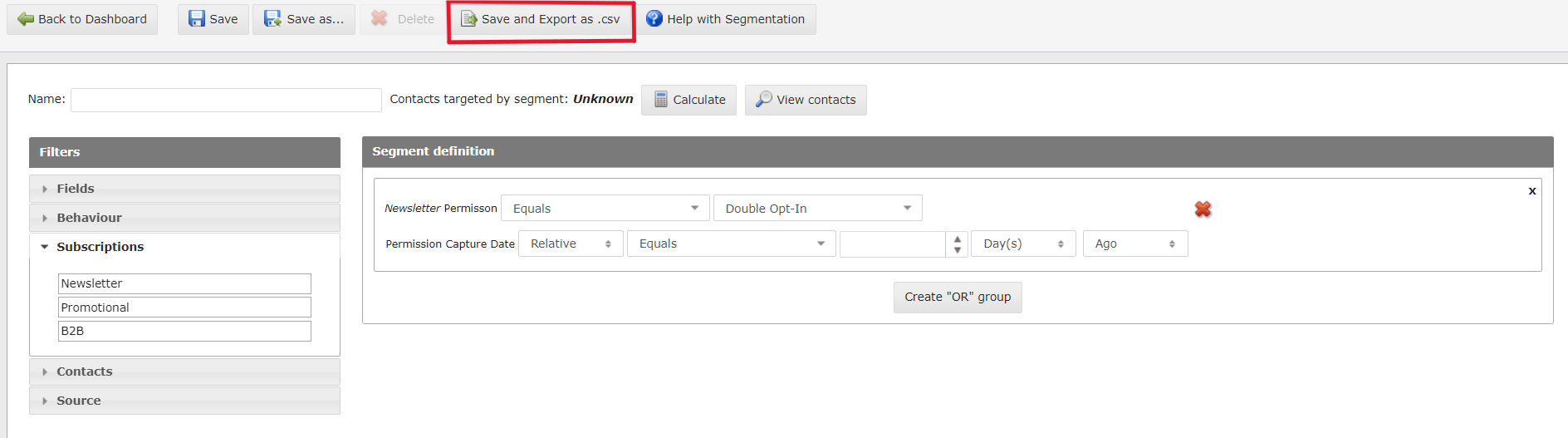
2. Once you have the segment you wish to export, click "Save and Export as .csv" at the top